

{{ variable.name }} : {{ variable.values[selectedVariantsIndex[variable_index]].name }}
Quantity:
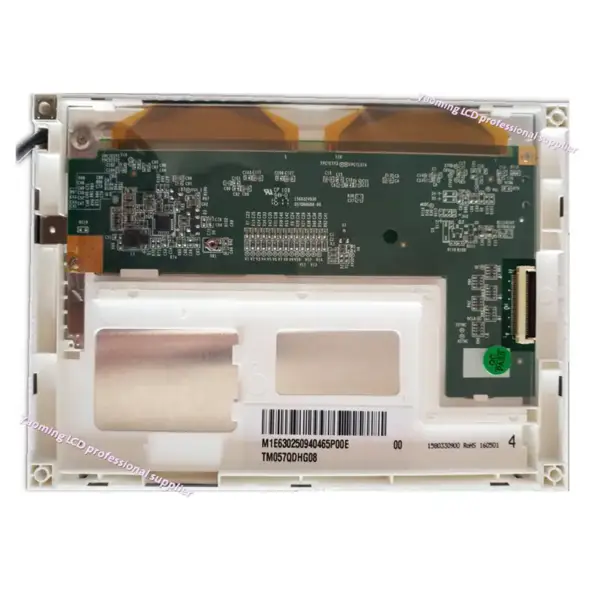
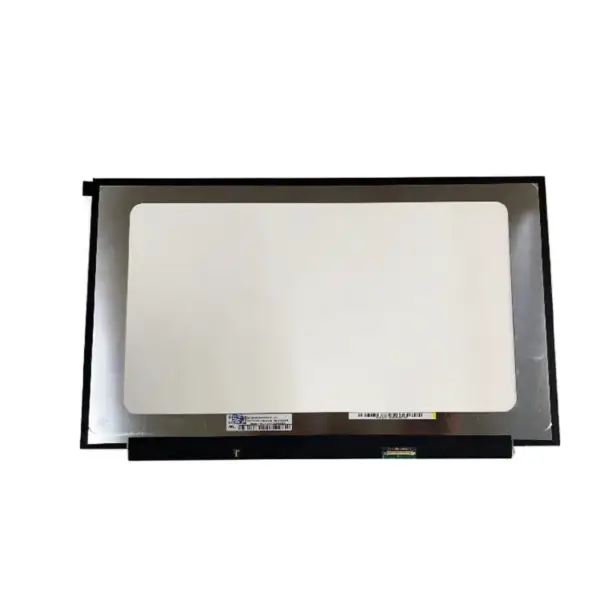
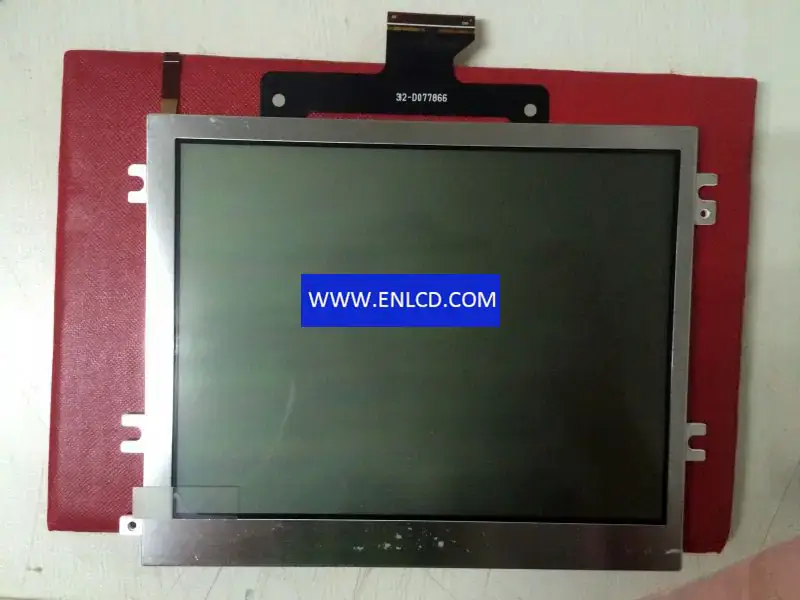
Model P/N:BT018QQMQ101
Brand:BOE
Diagonal Size:1.77"
Resolution:128(RGB)×160 115PPI
Contrast Ratio:500:1 (Typ.) (TM)
Viewing Angle:45/45/50/20 (Typ.)(CR≥10)
Panel Type:a-Si TFT-LCD, CELL , Q-CUT (Full Cell)
Pixel Format:RGB Vertical Stripe
Active Area:28.032(W)×35.04(H) mm
Bezel Opening:-
Outline Dim:31.03(H)×40.47(V) ×1(D) mm
Treatment:Without Polarizer
Luminance:0 cd/m²
View Direction:12 o'clock
Response Time:30 (Typ.)(Tr+Td)
Operating Mode:TN, Normally White, Transmissive
Support Color:262K 60% NTSC
Light Source:No B/L
Weight:-
Designed For:Mobile Phone
Frame Rate:-
Touch Panel:Without
Plate Thickness:0.50+0.50 mm
Transmittance:7.0% (Typ.)(with Polarizer)
D-IC Detail:COG Suggest ILI9163, ILI9163B, ST7735R, ST7735, ST7735R, HX8353C, HX8353D, SPFD5414D, NT39121D, LG4515, S6D02A1
We use the following logistics services to deliver your order:
Yunexpress DDP: All customs duties and taxes are included. Delivery takes 6-12 working days.
DHL, UPS, FedEx: Delivery takes 2-4 working days.
Product condition: Brand New We can provide customized testing video upon request.
Description of your requirements: